mond Membership & Discord Join Guide
Quick Steps
- ① Register on Discord → Download
- ② Sign up for mond with your X account → mond.how
- ③ Join via the membership page → Membership page
- ④ Link your Discord account from the post-payment popup (your email & password will be required)
- ⑤ Enjoy the server! 🎉
Discord Registration
(skip if you already have an account)
STEP 1
-
1Install DiscordDownload and install the app from the link below.
https://discord.com/download -
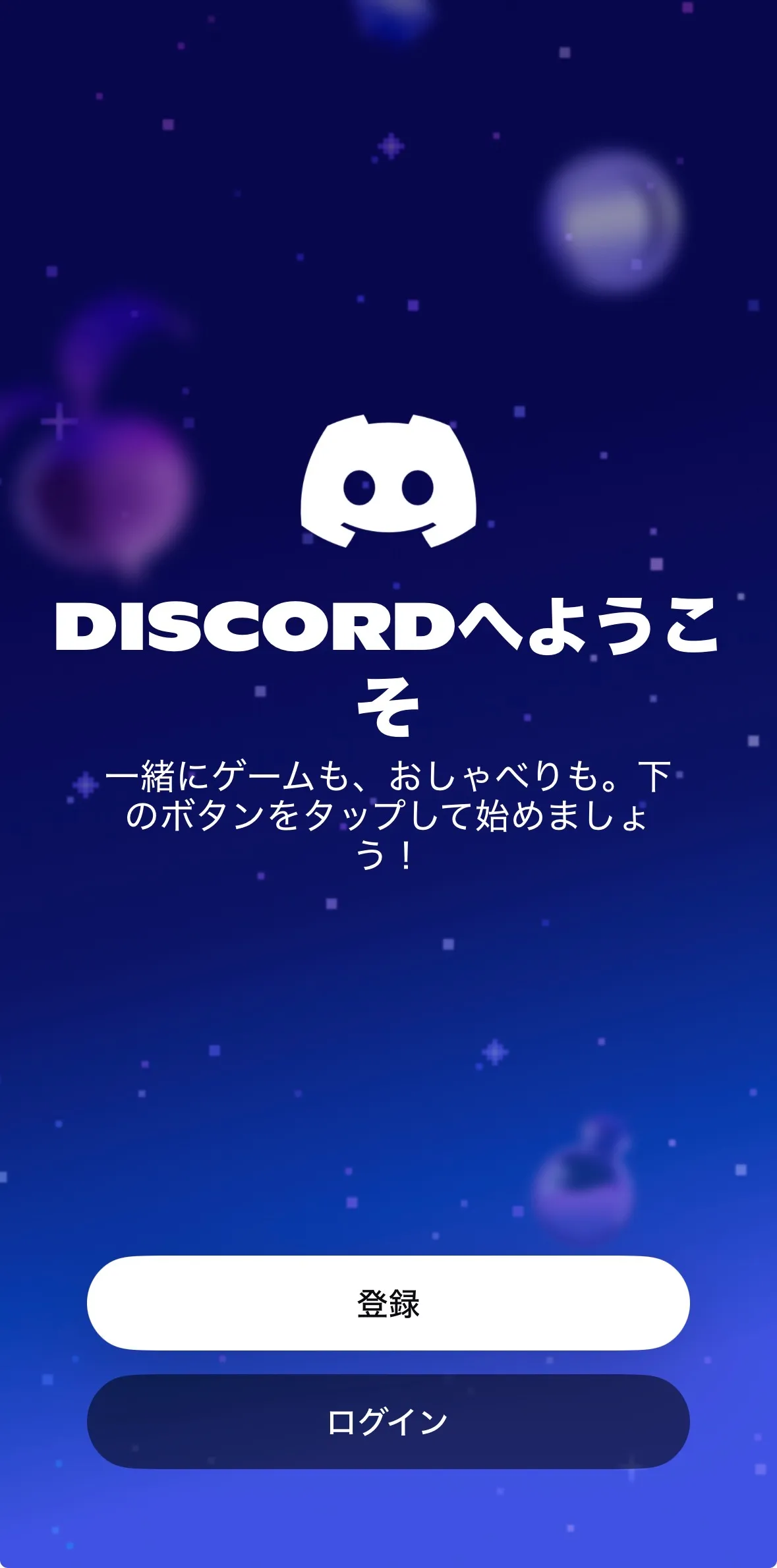
2Tap "Register"On the login screen, tap "Register" at the bottom.
-
3Enter your email address and passwordFill in your email address, username, password, and date of birth.
⚠️ Make sure to save your password somewhere — you will need to enter it again in a later step.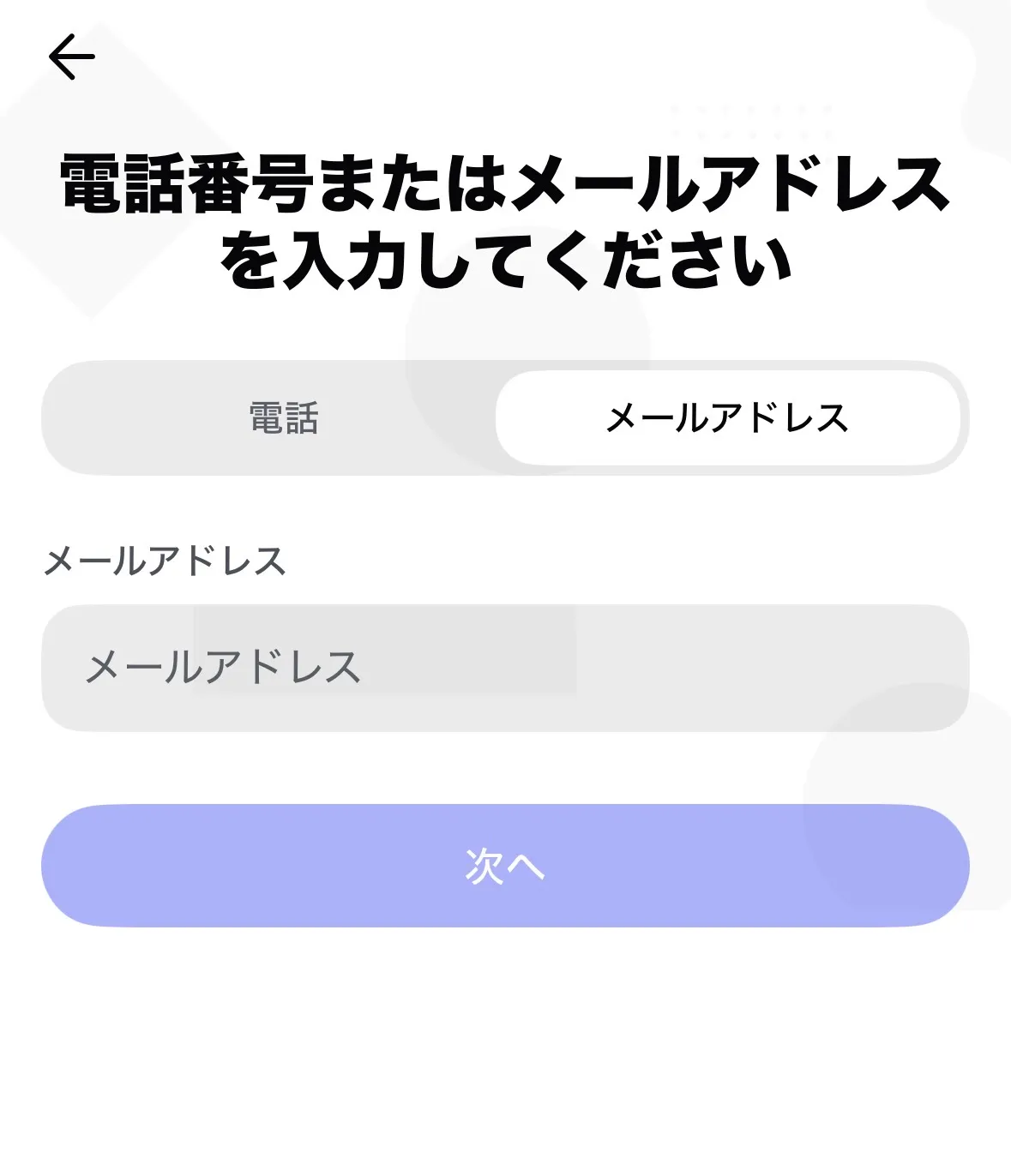
-
4Verify your emailA verification email will be sent to the address you registered. Tap the link in the email to complete your registration.
mond Registration
(skip if you already have an account)
STEP 2
-
1Open mond in your browserNo app required — just open the link in your browser.
https://mond.how -
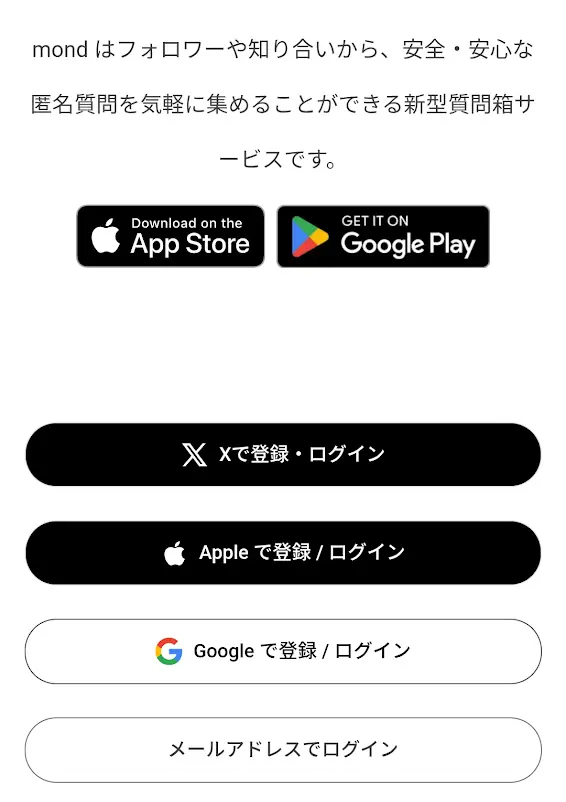
2Create an accountSelect "Log in with X" to instantly register using your X account.
Membership Registration & Discord Link
STEP 3
-
1Open the membership pageType the URL below directly into your browser's address bar.
https://mond.how/ja/aidolhub_mond/plans -
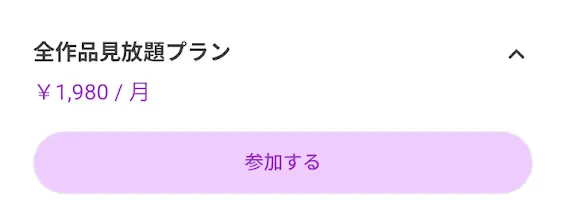
2Tap "View membership options" → "Join"Tap the "Join" button on the plan.
 ⚠️ If the screen seems frozen
If a dialog saying "Would you like to join this membership?" appears and nothing happens, tap somewhere near the center of that dialog to expand the payment screen. Tapping outside the dialog will cancel it.
-
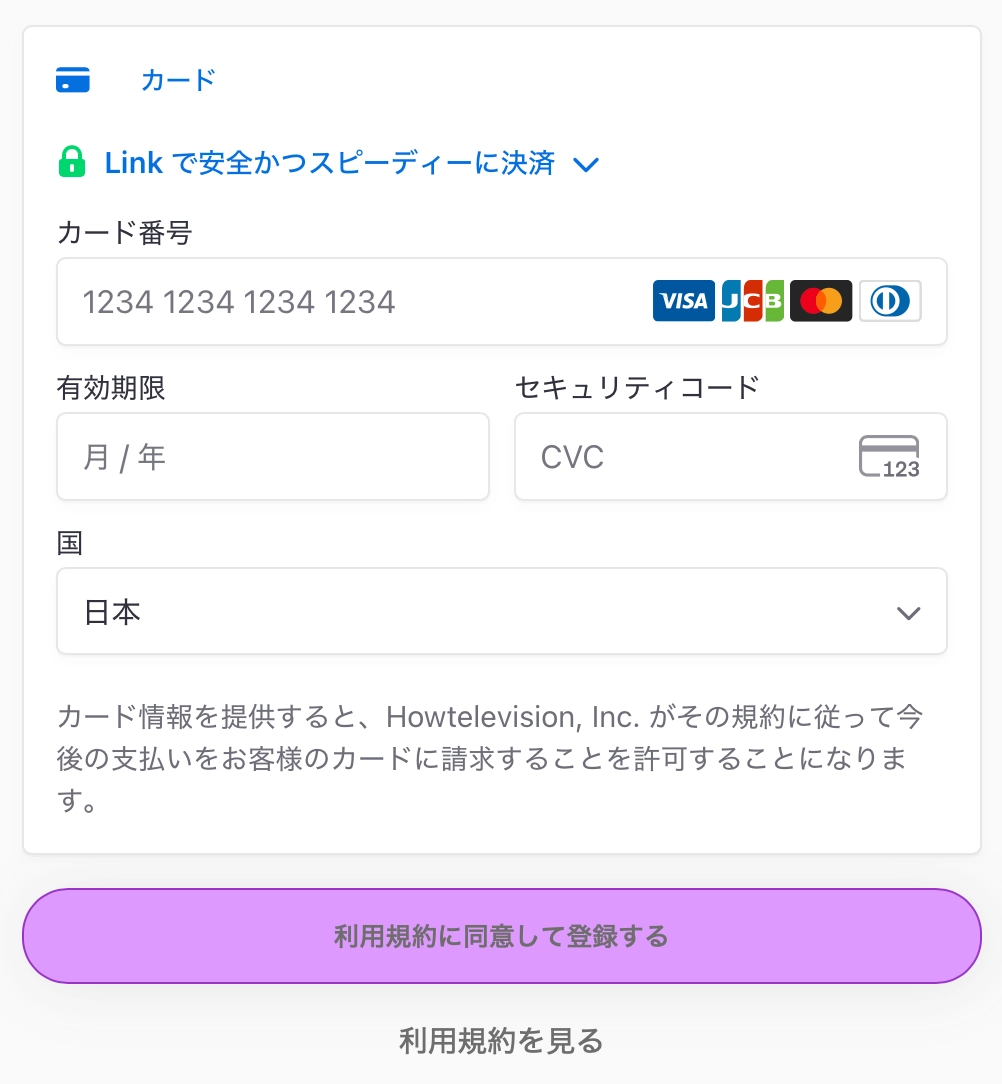
3Enter your card details and complete paymentEnter your credit card information and tap "Agree to terms and subscribe."
-
4Tap "Request to join"After registration is complete, tap "Request to join" from the popup that appears.
※ If the popup has disappeared, type the membership page URL directly into your browser again to reopen it.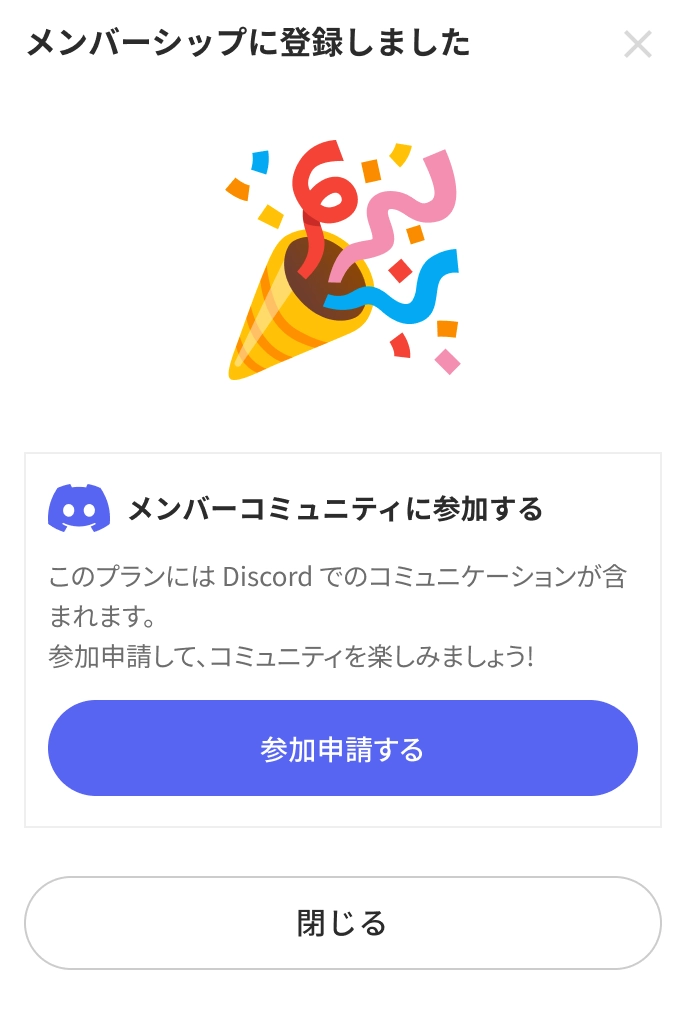
-
5Log in to Discord in your browser and authorize accessA Discord authorization page will open in your browser. Log in using the email address and password you registered in STEP 1.
Tap "Authorize" to finish joining the server.
💡 Having trouble linking your Discord?
If you have already completed membership registration, you can access exclusive content here without Discord linking.
→ Members-only area